Need backup, pilot?
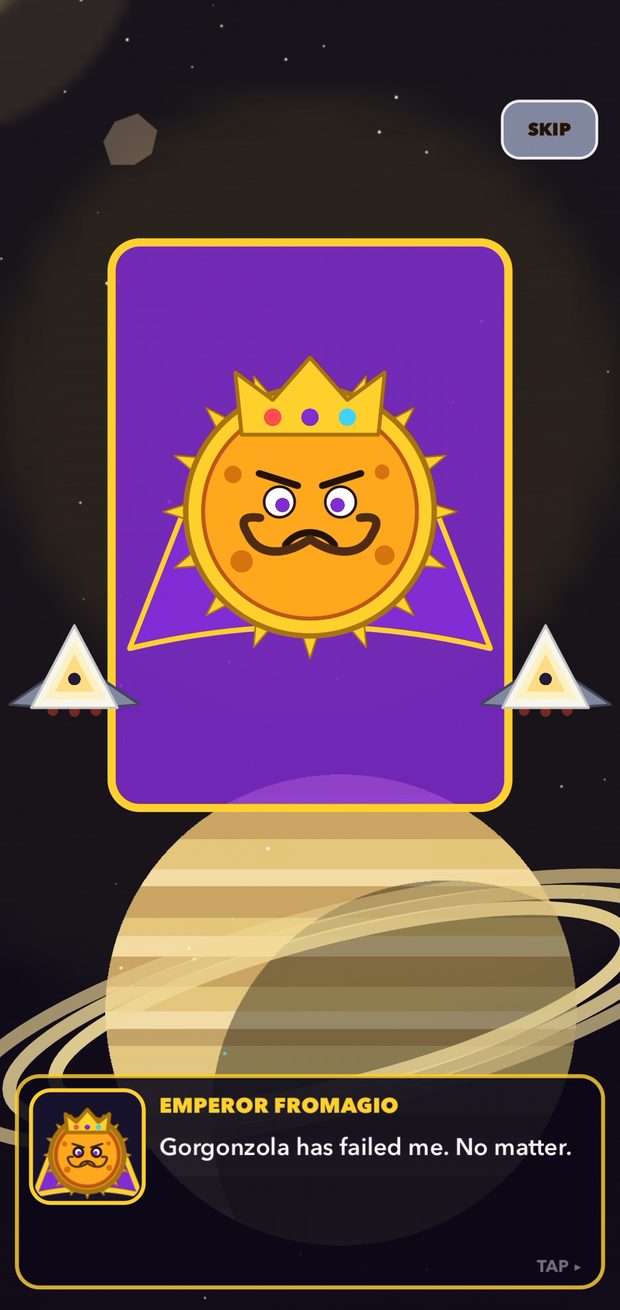
Answers for Cheese Fighter, the arcade space shooter where you're Earth's last line of defense against Emperor Fromagio's dairy armada.
Email support
Tell us your device (for example iPhone 16 Pro), your iOS version, and what happened. A screenshot or screen recording helps a lot.
chrisgurtlinger@mac.comWrite emailSee Cheese Fighter in action

Quick help

Flying
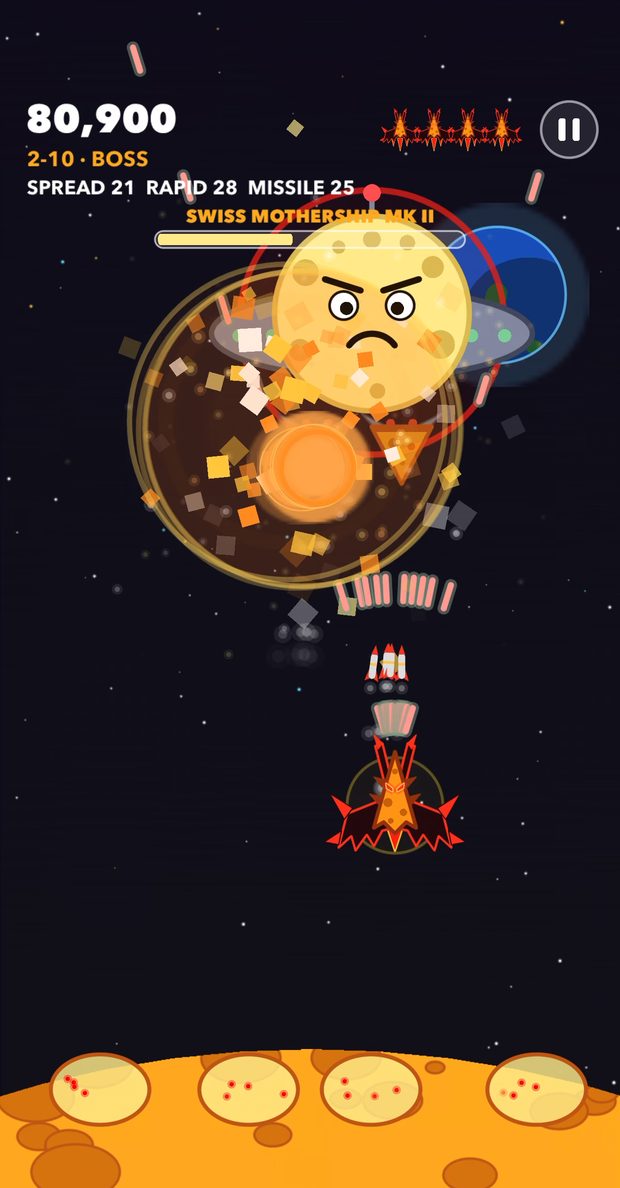
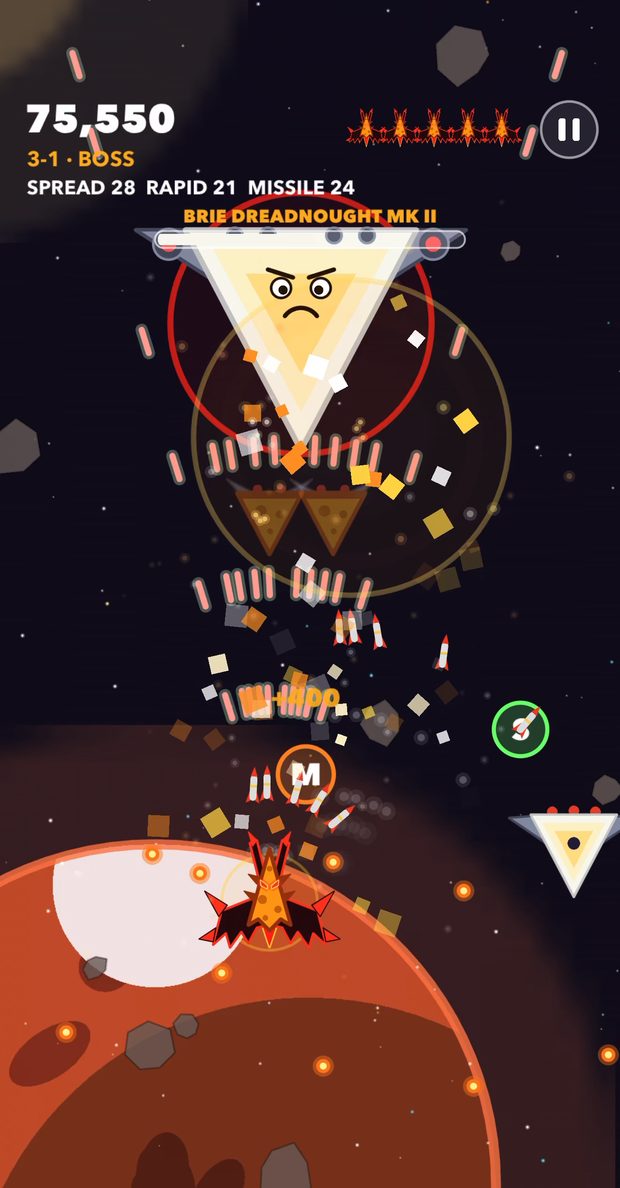
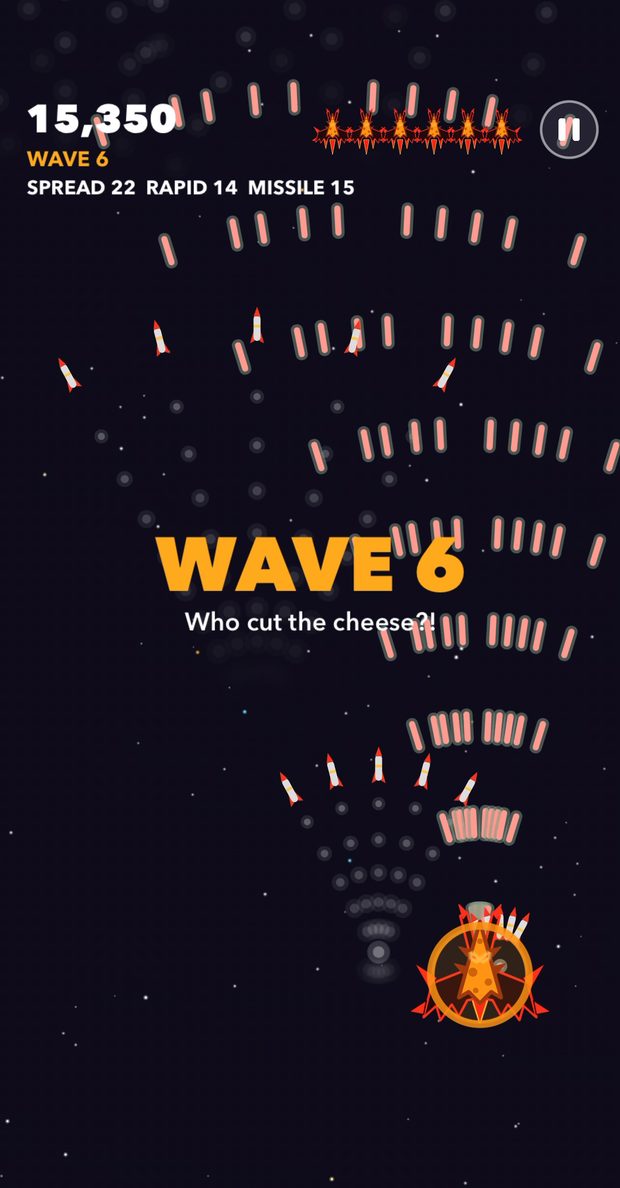
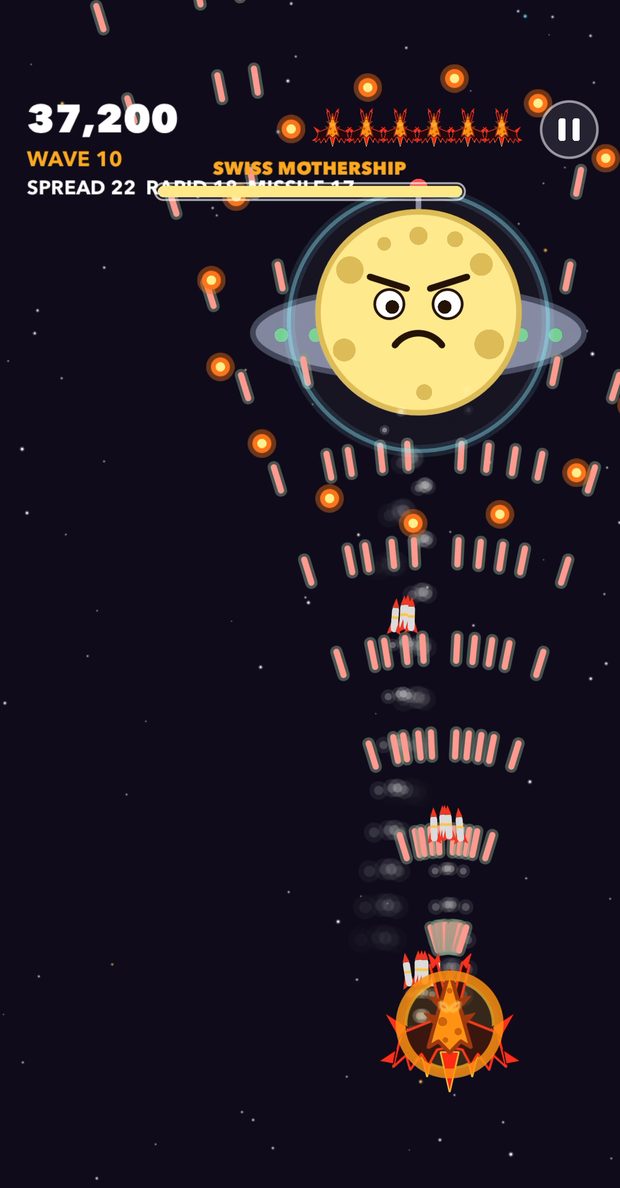
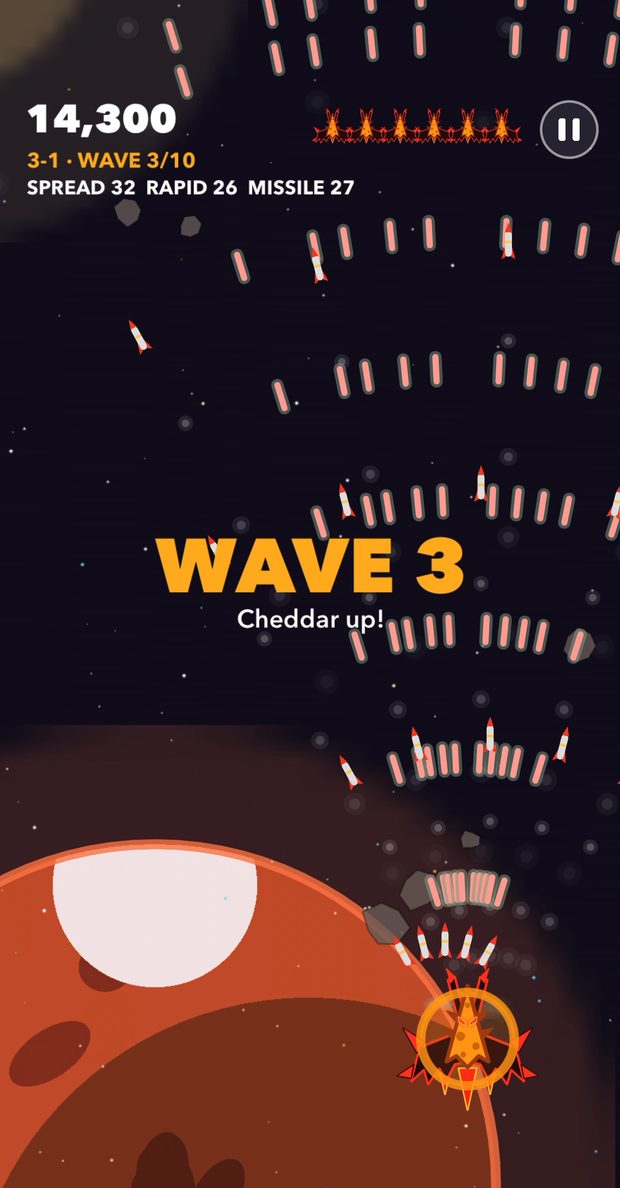
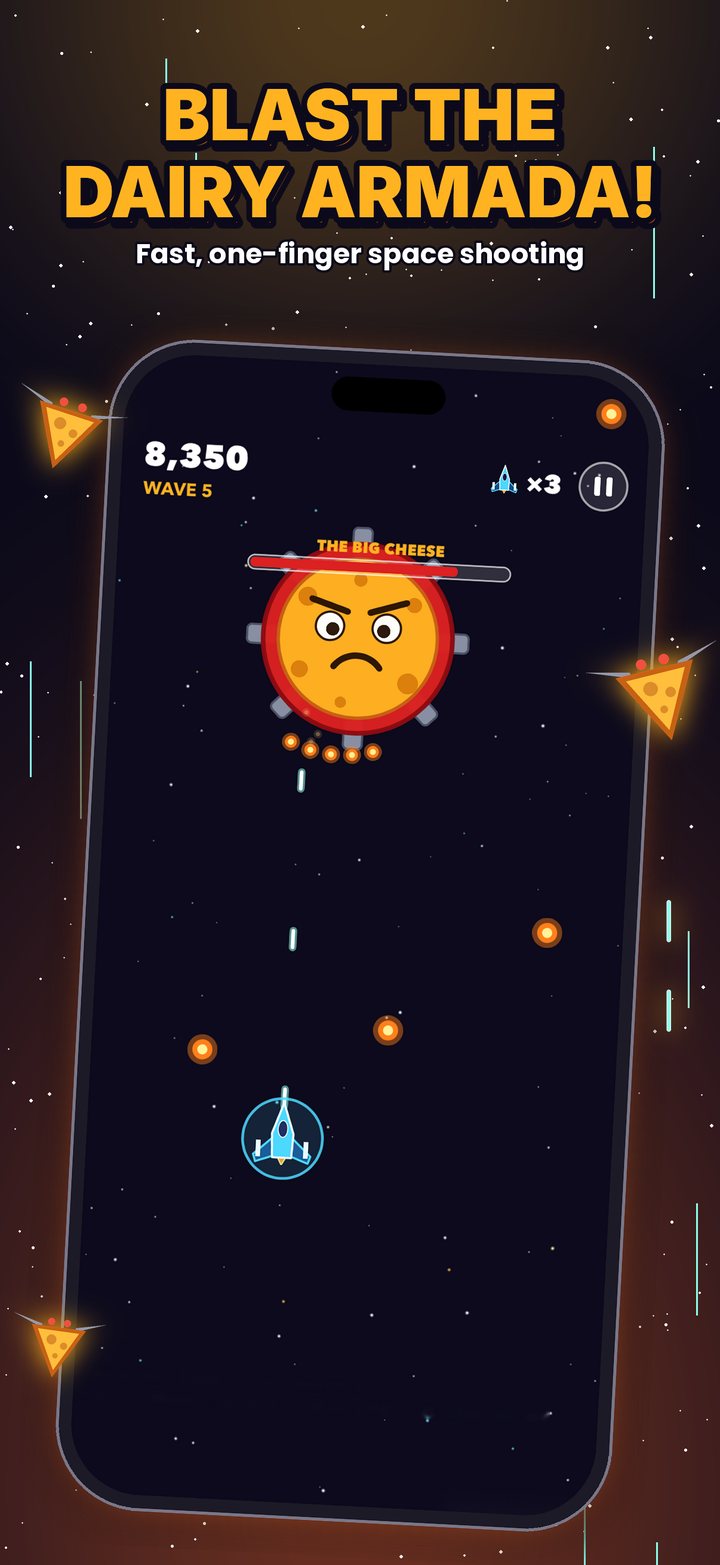
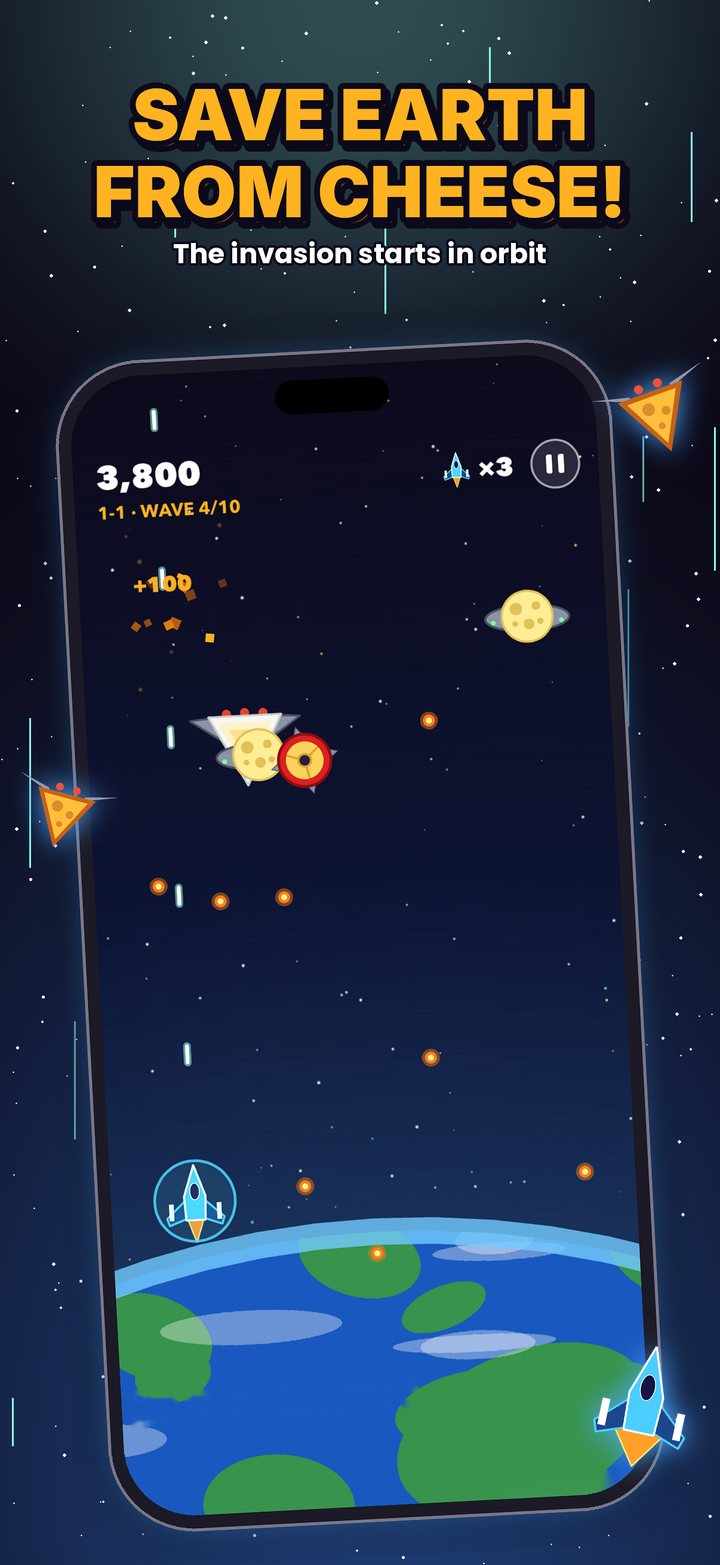
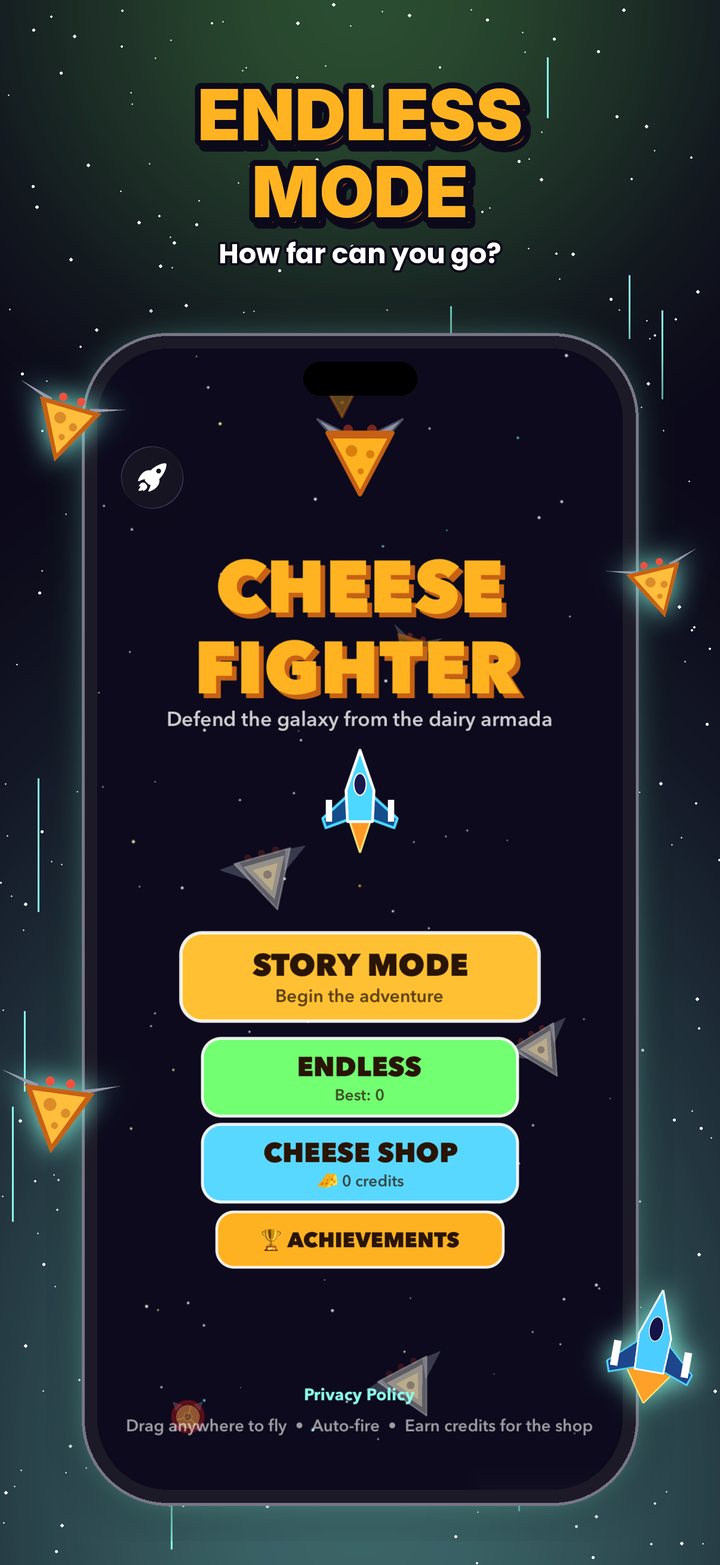
Drag anywhere on the screen to move. Your ship fires on its own, so focus on dodging and lining up shots. Tap the pause button in the top corner any time.

Power-ups
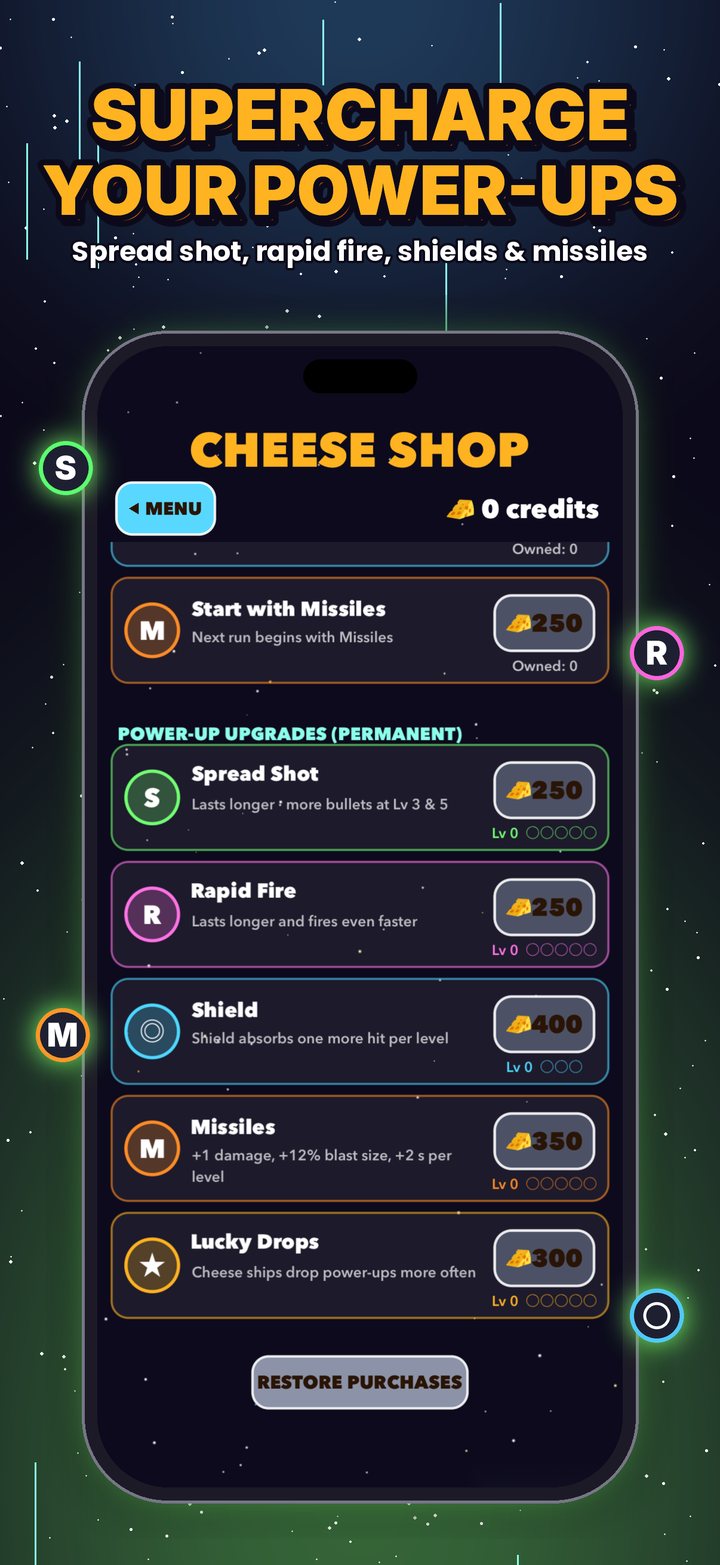
Destroyed cheese ships drop pickups. Stack them for maximum firepower.

Credits
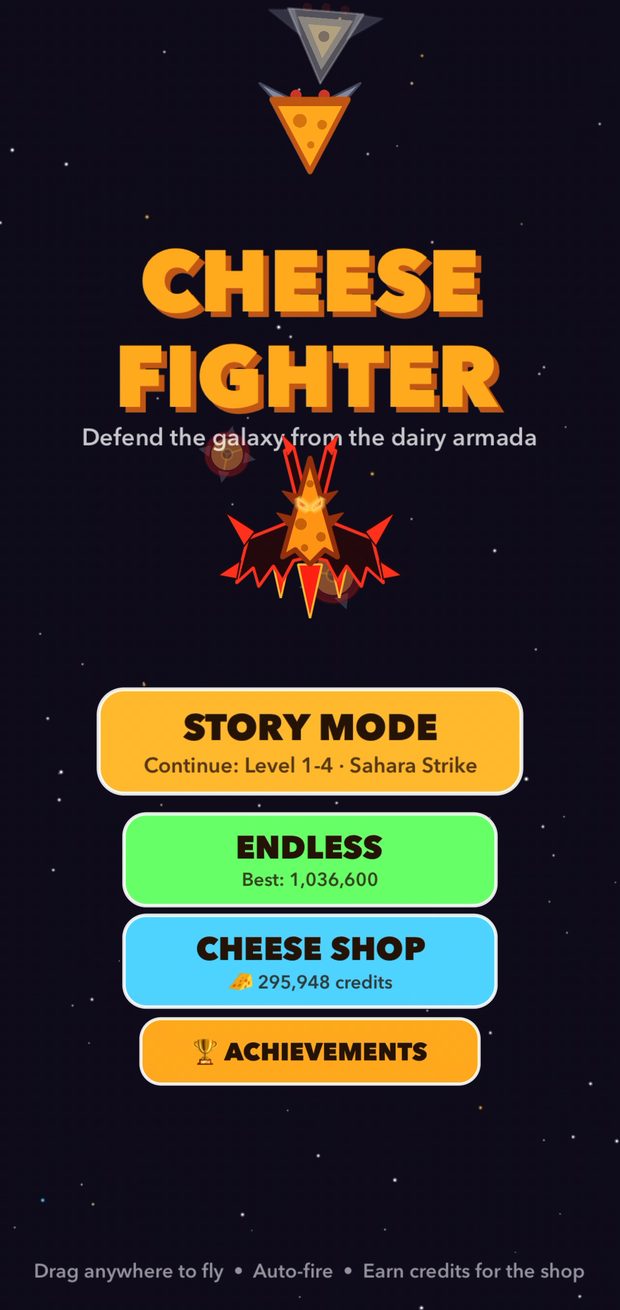
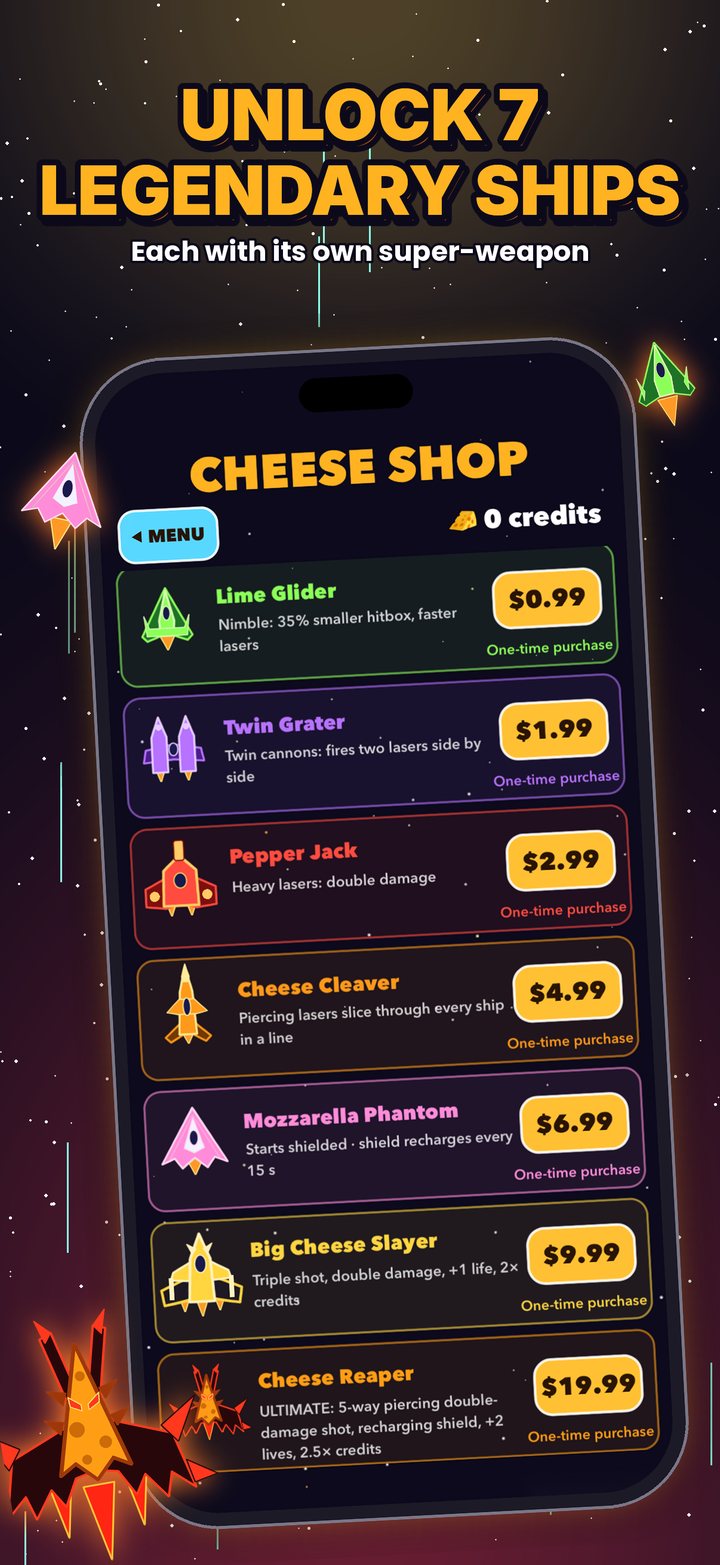
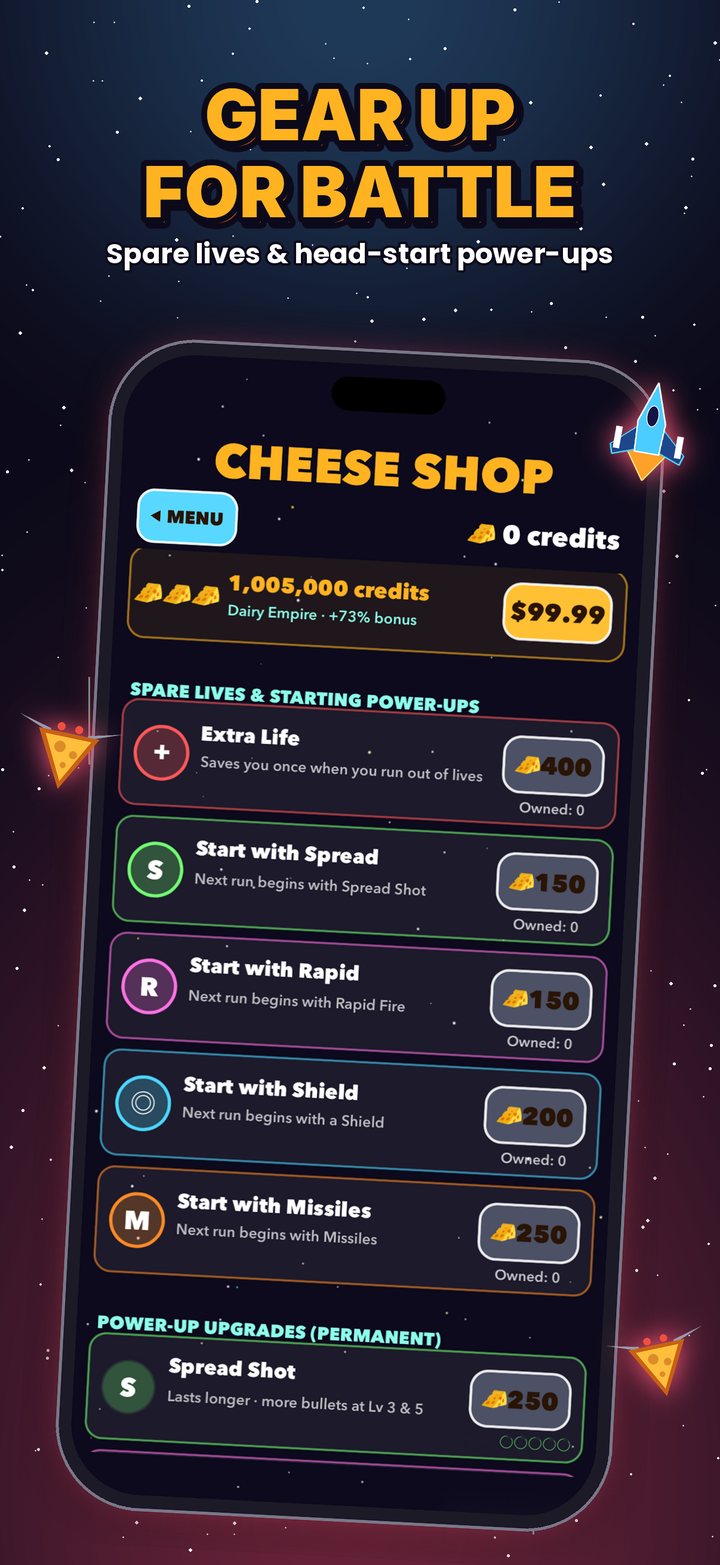
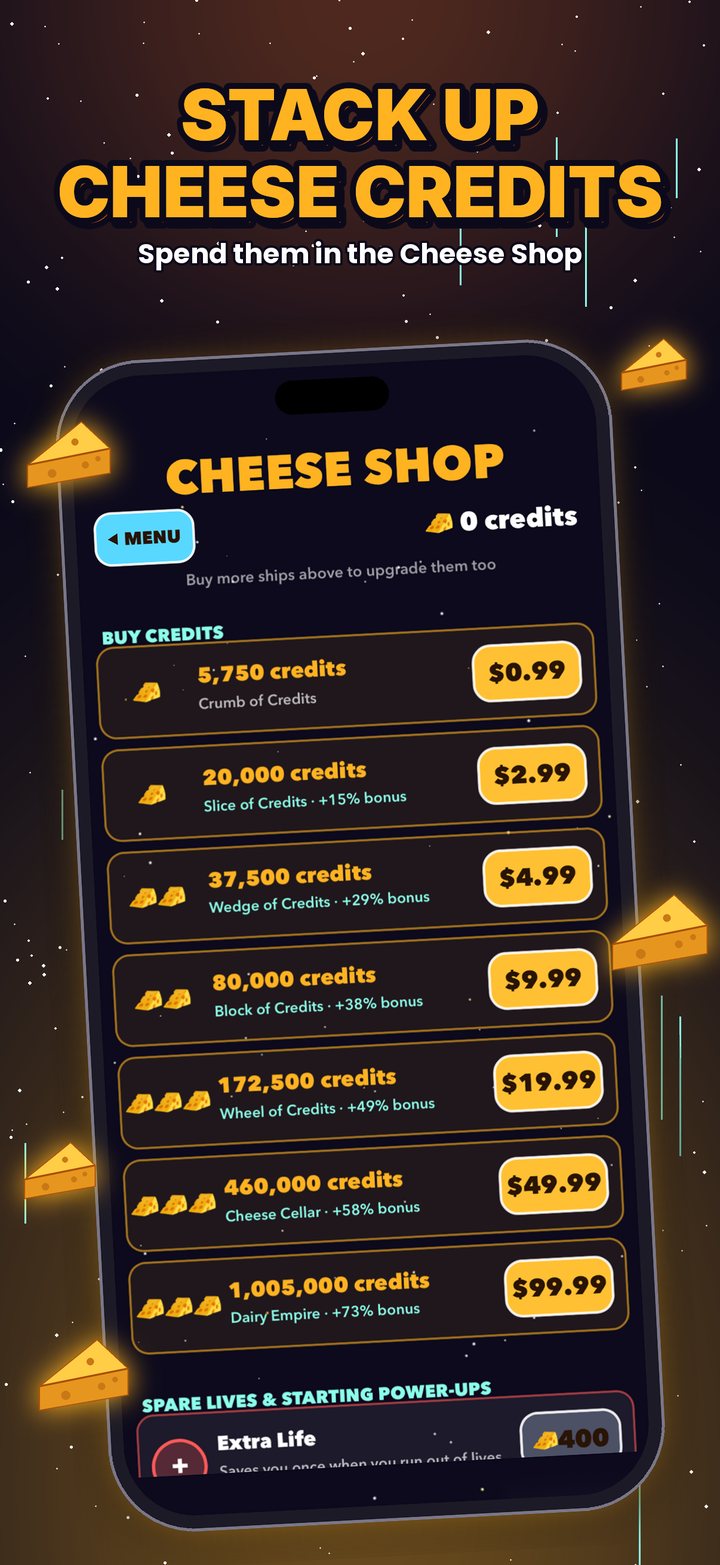
Every run earns Cheese Credits. Spend them in the Cheese Shop on upgrades, starting power-ups and ship levels up to 50.
Frequently asked questions
How do I restore ships I bought?
Open Cheese Shop from the main menu, scroll to the bottom and tap Restore Purchases. Make sure you're signed in with the same Apple Account you bought them with.
Ships are one-time purchases and can always be restored. Credit packs are used up when you buy them and add their credits once, so they can't be restored.
I bought credits but they didn't appear.
Close Cheese Fighter completely and open it again while connected to the internet. The game finishes any purchase Apple has confirmed as soon as it starts. If the credits still don't show up, email us with the date of the purchase.
Will I lose my progress if I delete the app?
Yes. Story progress, credits, upgrades and stats are saved only on your device, so deleting the app erases them. Ships you bought come back with Restore Purchases. Game Center keeps any achievements you've already unlocked.
How do I change the difficulty?
There are five settings: Easy, Normal, Hard, Extreme and Cheesy. Harder settings bring tougher, faster cheese and pay out more credits.
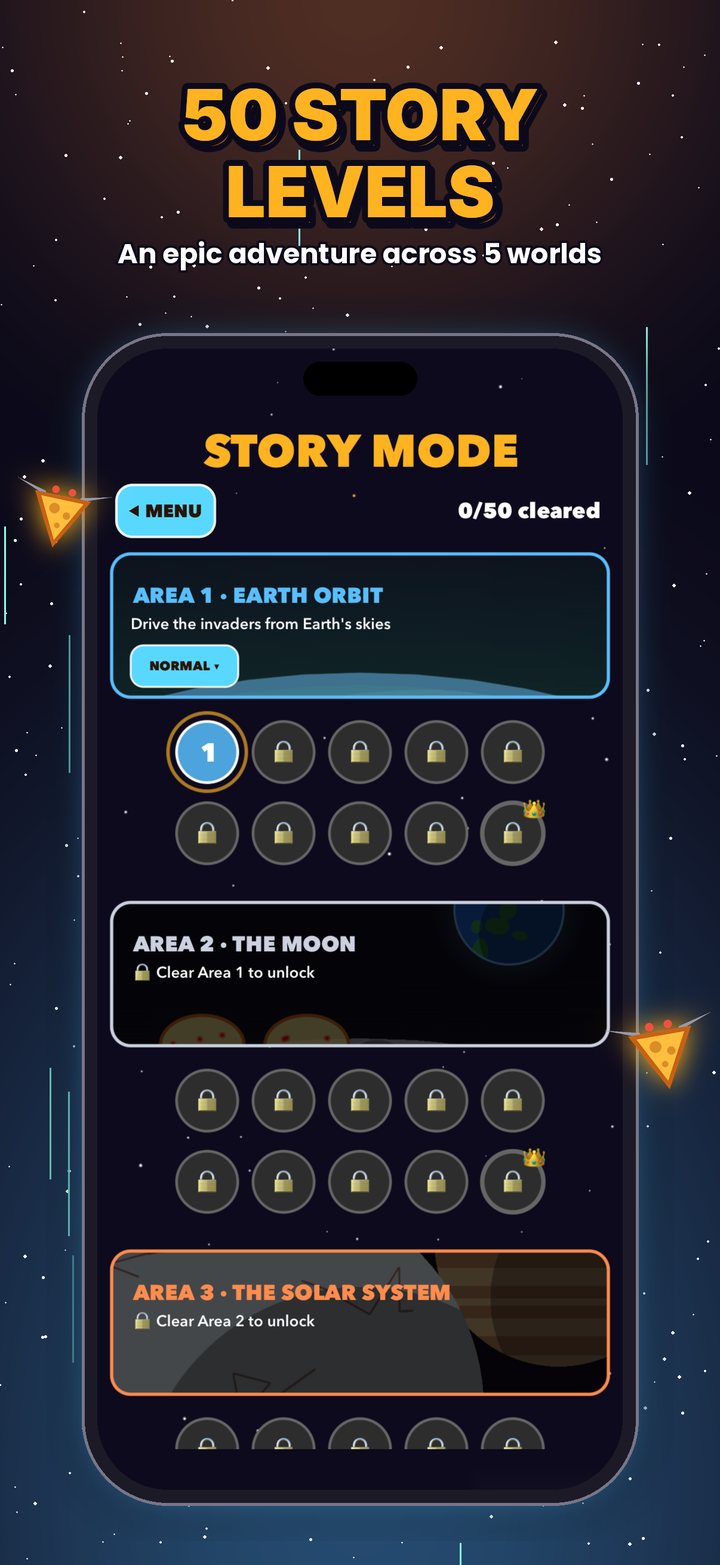
Story Mode: tap the difficulty button on the left side of any area card on the level map.
Endless: pause the game and tap Difficulty.
The game also adjusts to how powerful your ship is, so fully upgraded ships still get a fight.
My achievements aren't unlocking.
Achievements need Game Center. Open the iPhone Settings app, tap Game Center and sign in, then reopen Cheese Fighter. Progress you made while signed out is sent the next time you sign in.
How do I turn the sound or music off?
Pause the game and use the Sound and Music buttons. Cheese Fighter plays sound even when your ring/silent switch is set to silent, so use these buttons or the volume buttons to quiet it.
Can I rewatch the story?
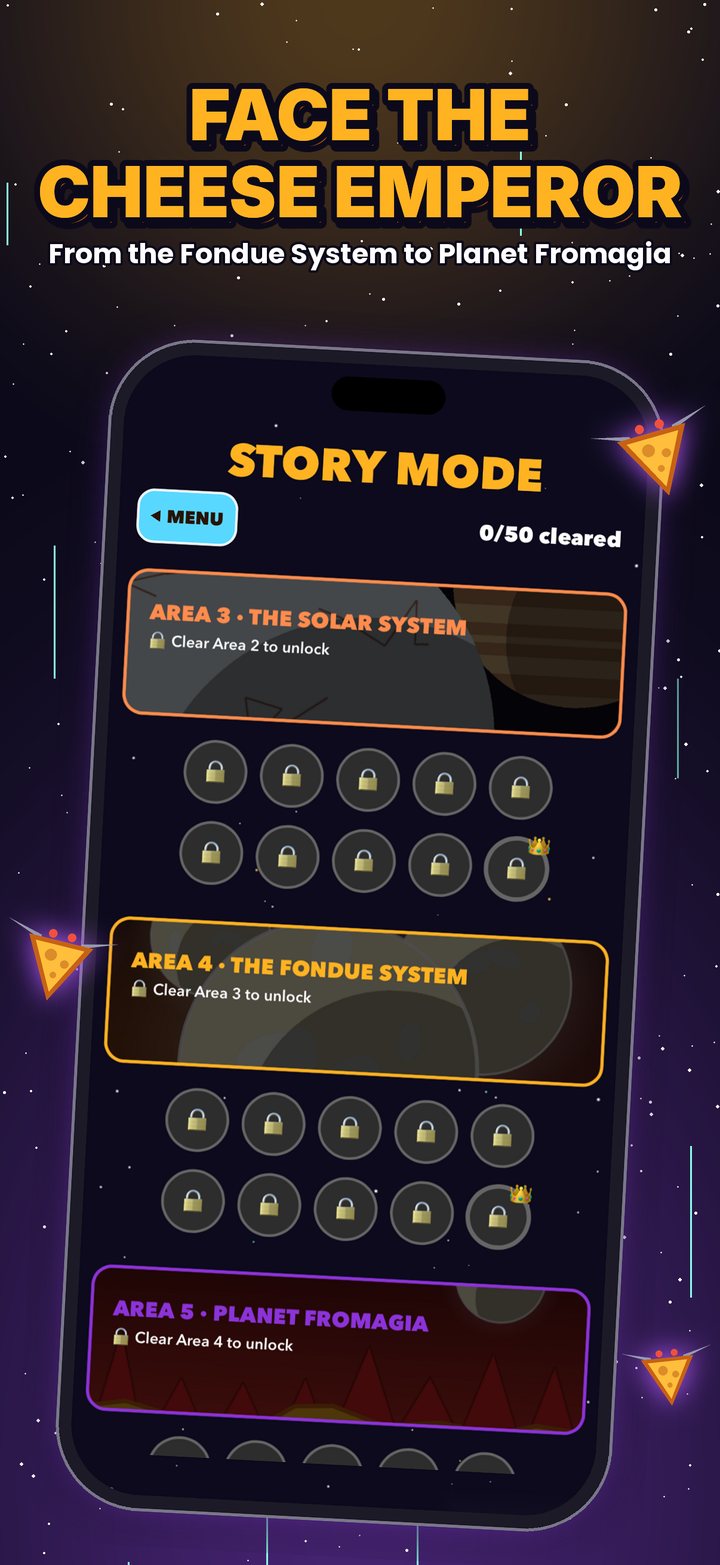
Yes. On the Story Mode level map, tap ▶ Story on any area you've reached to replay its cutscene.
The game feels slow or choppy.
Close other apps, make sure Low Power Mode is off, and restart your device. If it still happens, email us a short screen recording and tell us which level and ship you were using.
How do I get a refund?
Apple handles all payments and refunds. Request one at reportaproblem.apple.com.
Know your enemy